How to check whether a website is safe: 12 free tools and tips

Before opening a strange link, buying from a store you don't know or trusting a new website, you can check it in a minute with free tools. We explain which ones to use, what each one checks, how to interpret their results and what other signs to look for.
What these tools check
- Blocklists: databases of websites already reported for phishing or malware, such as Google's.
- Antivirus engines: they scan the page or file with several antivirus programs at once.
- Domain reputation and data: when it was registered, where it's hosted or whether other users have reported it.
- Analysis in an isolated environment: they open the link or file on a test machine, known as a sandbox, and watch what it does.
The 12 tools
They're all free and work from your browser, with nothing to install. We've grouped them by what they're useful for.
1. To check a link or a website
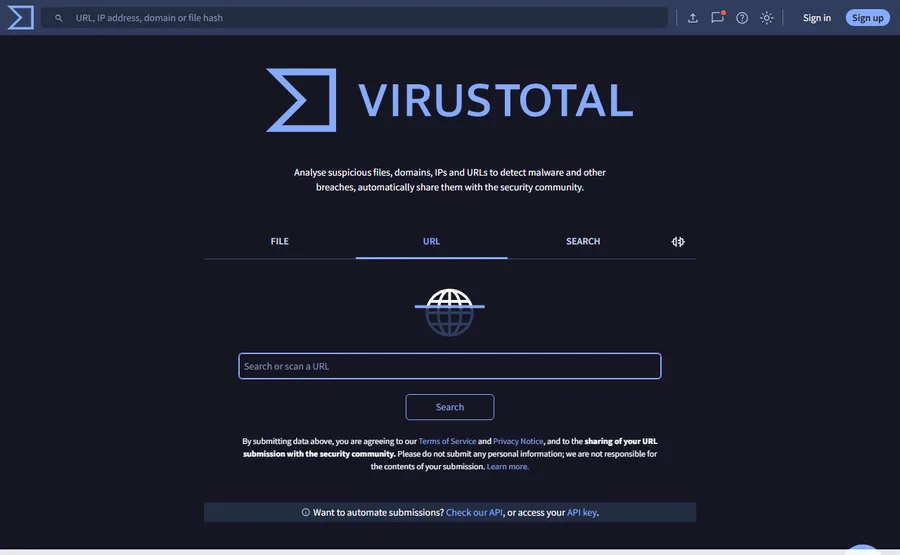
VirusTotal
Links and files- What it is for
- Scans links, files, domains and IP addresses with more than 70 antivirus engines and blocklist services at once.
- How to use it
- Open the URL tab, paste the link and search. You'll see how many engines flag it as dangerous.
- Keep in mind
- What you submit is shared with the security community. Don't paste links containing personal data, such as password reset links or links to private documents.
Google Safe Browsing
Phishing and malware- What it is for
- Tells you whether Google considers a website dangerous right now. It's the list used by Chrome and other browsers, such as Firefox or Safari, to show their red warnings.
- How to use it
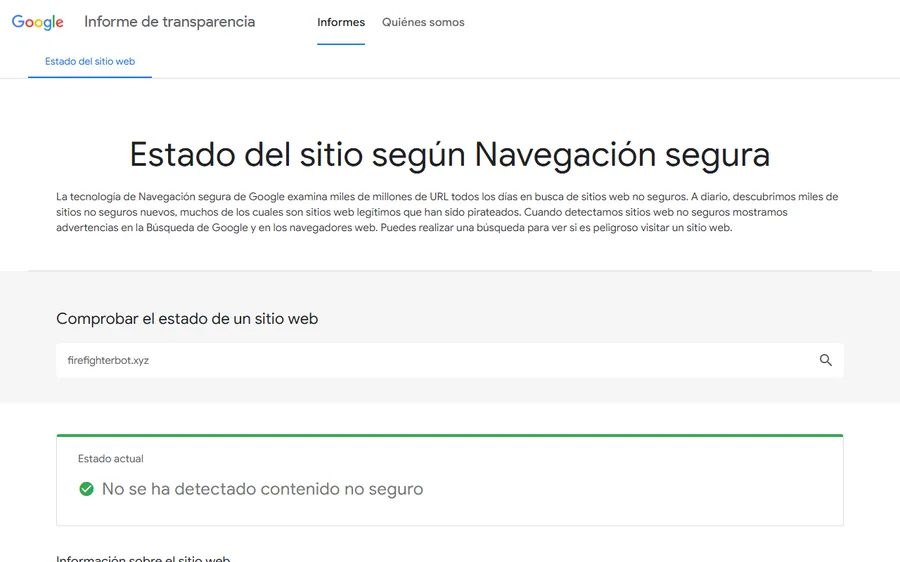
- Type the address in "Check site status".
- Keep in mind
- A newly created scam website may not be on the list yet.
URLVoid
Reputation- What it is for
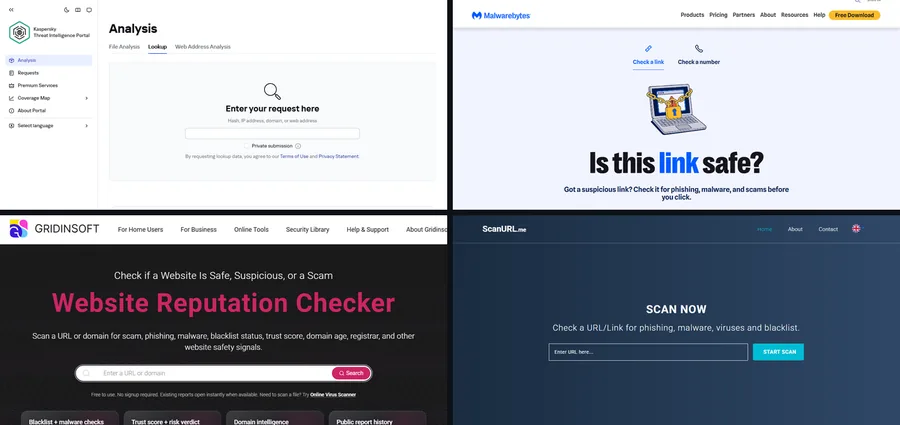
- Checks several reputation services and blocklists at once, and shows useful domain data, such as its registration date, its IP address and the server's country.
- How to use it
- Paste the domain and click "Scan Website".
- Keep in mind
- The registration date tells you whether a website is new, but that alone doesn't make it dangerous. We explain why below.
PhishTank
Phishing- What it is for
- A collaborative database of phishing websites run by Cisco Talos. Users submit suspicious links and the community verifies them.
- How to use it
- Paste the link in "Found a phishing site?" to see whether it's already listed.
- Keep in mind
- It only knows what someone has reported: if a link doesn't show up, that doesn't mean it's safe.
ScanURL
Phishing and malware- What it is for
- Checks several sources at once, such as Google Safe Browsing, PhishTank, Yandex or McAfee, according to the website itself.
- How to use it
- Paste the link and click "Start Scan".
- Keep in mind
- Because it combines several sources, it's handy for a quick first opinion.
Kaspersky Threat Intelligence Portal
Links and files- What it is for
- Scans files, domains, IP addresses and links with Kaspersky's threat intelligence.
- How to use it
- In the "Lookup" tab, paste the link or the domain.
- Keep in mind
- It has a checkbox to mark your request as private ("Private submission").
Malwarebytes Link Checker
Scams- What it is for
- Checks whether a link leads to scams, phishing or malware before you open it. It also has a section for checking phone numbers.
- How to use it
- Paste the link in the "Is this link safe?" box.
- Keep in mind
- Very useful for links you get by SMS, email or social media.
Bitdefender Link Checker
Scams- What it is for
- Tells you whether a link is safe or leads to a dangerous or phishing website.
- How to use it
- Paste the link in the box on the page and check it.
- Keep in mind
- The page we link to is the Spanish version of the tool.
Gridinsoft Website Reputation Checker
Reputation- What it is for
- Gives a trust score and shows whether a website is on blocklists, who its registrar is, its IP address and the domain's age.
- How to use it
- Type the address or domain and click "Search".
- Keep in mind
- According to the website itself, you don't need to sign up.
2. To scan a file before opening it
If someone sends you a "game to try out", a document or a program, scan it before opening it. Besides VirusTotal and Kaspersky, you have these two:
Filescan.io
Files- What it is for
- A malware analysis platform from OPSWAT. It analyzes suspicious files and links and extracts indicators of threats.
- How to use it
- Paste a link in "Analyze Link" or drag a file of up to 100 MB.
- Keep in mind
- It's designed for deeper analysis, so the results are more technical.
MetaDefender (OPSWAT)
Files- What it is for
- Scans files with many antivirus engines at once, which OPSWAT calls multiscanning, and also offers sandbox analysis.
- How to use it
- Upload the file on its website and choose the type of analysis.
- Keep in mind
- As with VirusTotal, don't upload documents containing personal information.
3. If you have a website
Sucuri SiteCheck
For your website- What it is for
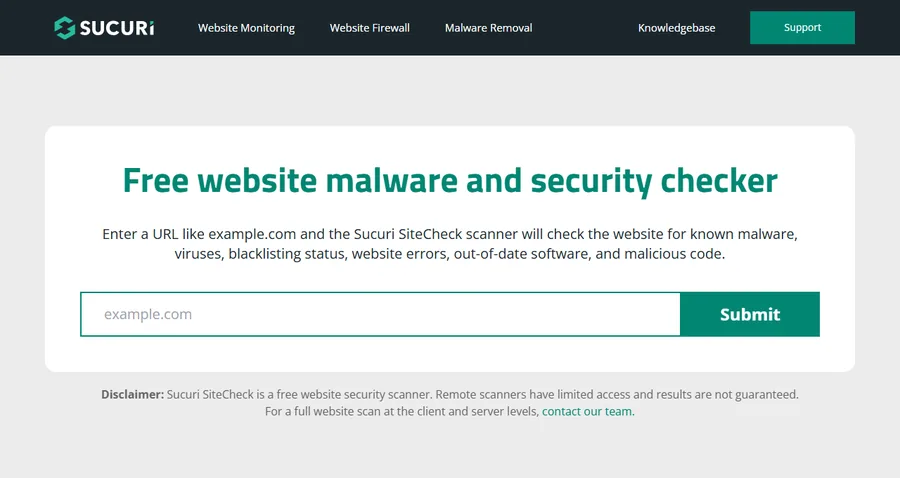
- Scans a website for known malware and checks whether it's on blocklists, has errors or uses outdated software.
- How to use it
- Type the address and click "Submit".
- Keep in mind
- It's a remote scanner and only sees what's public. Sucuri itself warns that its results aren't guaranteed.
If you manage a website, these free tools are also worth knowing:
- Google Search Console: its security issues report alerts you if Google detects malware or deceptive content on your website.
- SSL Labs: checks how your HTTPS certificate is configured. It's the badge you'll see in the footer of our website.
- Mozilla Observatory: reviews your security headers and gives you tips to improve them.
- Security Headers: analyzes those same headers and grades them.
We check our own websites with these tools. This is how FireFighter's looks on Google Safe Browsing, for example:
How to interpret the results
- "Clean" isn't a guarantee. A newly created scam website may not be on any list yet. Scammers change domains often precisely for that reason.
- One or two alerts don't always mean danger. Some engines give false positives. Look at which ones flag it and why: if Google Safe Browsing or several well-known antivirus engines agree, don't go in.
- "Unrated" or "unknown" isn't the same as dangerous. It usually means the website is new or gets few visits.
- Check the date of the analysis. If it's old, scan it again: a website can change from one day to the next.
- If several tools say it's dangerous, listen to them. There's no need to check it yourself.
A new domain isn't always a bad sign
Many tools highlight the domain's age, and that makes sense: most scam websites are short-lived and are created just a few days before being used. But being new doesn't make a website fraudulent. Legitimate stores, projects and companies are born every day.
It happens to us too: FireBotDevs was born in January 2026 and our team website, firebotdevs.com, has just launched. Also, some extensions such as .xyz have a bad reputation because they're cheap and widely used by scammers, but serious projects use them too: FireFighter's website is firefighterbot.xyz, and that of Alphabet, Google's parent company, is abc.xyz.
So when you come across a new website, don't dismiss it out of hand, and don't trust it blindly either: check the other signs.
Signs of trust
- Real contact details: company or person in charge, address and email.
- A complete legal notice and privacy policy. In Spain, websites with commercial activity must show who is behind them, with their tax ID (NIF) and address.
- Social media with real activity that matches the website.
- Normal prices and payment methods with protection, such as cards or PayPal.
- It's linked from its official channels, such as its Discord server or verified profiles.
Warning signs
- Prices that are too good to be true, or gifts for nothing.
- It only accepts bank transfers, cryptocurrency or gift cards.
- Urgency: countdowns, "today only" or "only 2 left".
- Swapped letters in the name: amaz0n, paypa1, dlscord…
- No company details, or details copied from another website.
- It asks for data it doesn't need, such as passwords or verification codes.
More tips to avoid falling for scams
- Read the full address. What matters is the real domain, the part right before .com, .es or .xyz. In paypal.com.cuenta-segura.top, the real domain is cuenta-segura.top, not PayPal.
- The padlock isn't enough. HTTPS only means the connection is encrypted. Phishing websites have it too.
- Use a password manager. It only fills in your details on the genuine domain: if it doesn't offer them on a website, be suspicious.
- Don't open links from unexpected messages. If you get an SMS or email from your bank or a store, type the address yourself or use its official app.
- Be wary of shortened links and run them through one of the tools above first.
- Keep your browser up to date with its protection turned on: Chrome's Safe Browsing, SmartScreen in Edge or Firefox's deceptive content protection block many known websites.
- Look up a domain's details, such as its registration date and registrar, on ICANN Lookup.
- Look for reviews of the website or store on other sites, not just on the website itself.
If you've already visited a suspicious website
- Don't type anything else and close the page.
- If you entered a password, change it right away, also on any services where you reuse it, and turn on two-step verification.
- If you entered your card details, call your bank to block the card.
- If you downloaded something, don't open it and scan your device with your antivirus.
- Report the website to Google Safe Browsing so it can warn other users.
- If you need help, call 017, INCIBE's free cybersecurity helpline.